Algo Training - Spotify to Apple
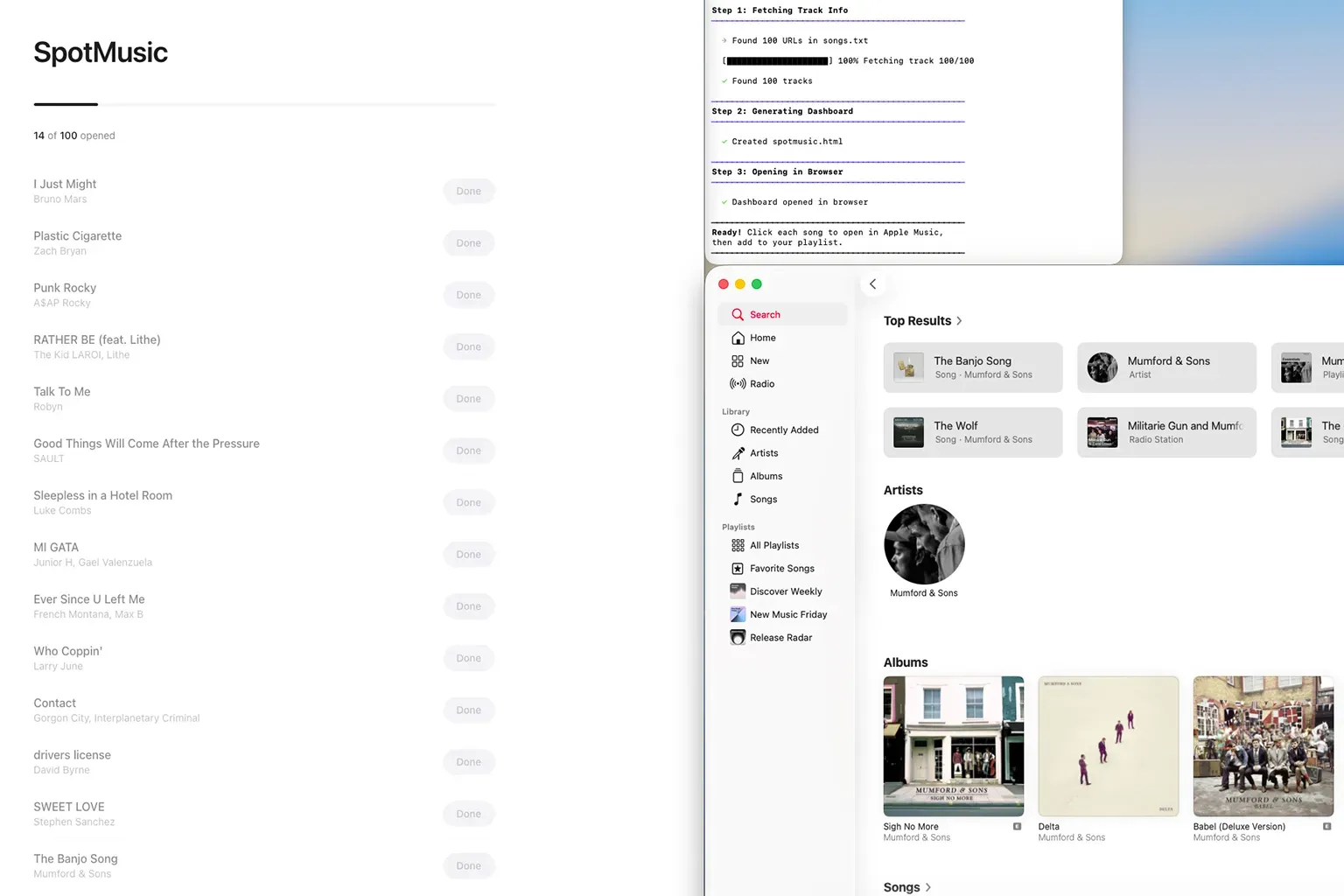
Some Friction By Design
I recently was offered the opportunity to move from Premium Spotify over to Apple Music. Having been a happy spotify user for nearly 15 years (!) I figured it was time to try something new. Moving user generated playlists is super simple. Most services even offer it for free via a 3rd party when you sign up. That wasn’t my issue.
The challenge, is the algorithm. Spotify knows So.Much. Signals to derive what a user likes, doesn’t like, might like, and so on. The papers they publish offer a lot of insight into their recommendation engines, but they have locked down the results. Algo generated lists in Spotify are not available via the spotify API. Makes sense, that is their sauce. What I was after was a way to bootstrap the Apple recommendation algorithms. I was not able to find the same level of published detail into Apple Music algo services, so this was a bit of a guess as to how long the bridge needed to be in use.
I needed a way to copy the data weekly from Spotify into Apple Music. Best guess based on research - do this once a week for maybe 4 to 8 weeks. The algo generated lists are not large, 200 songs in total per week. Not a huge data set for Apple, but probably enough to get close. And as a surprise to no one, there is zero easy or simple ways to do this.
Moving From A To B
Ground Rules. I don’t want to use yet another 3rd party service. It needs to be either direct or local. Spotify API is out. Apple Music API and Auth are both overcomplicated and too simple for this use case. Apple Shortcuts is a hot mess. Even asking foundation models for deep research on the topic ended up with no results. So, let’s make an almost-too-many-steps process that is just slightly better than fully manual. I only need to do this 5 to 8 times in total, let’s not overthink it.
- Copy the song list from Spotify desktop - simple select and copy.
- Paste this list into a local .txt file.
- Run python script to fetch song title and artist.
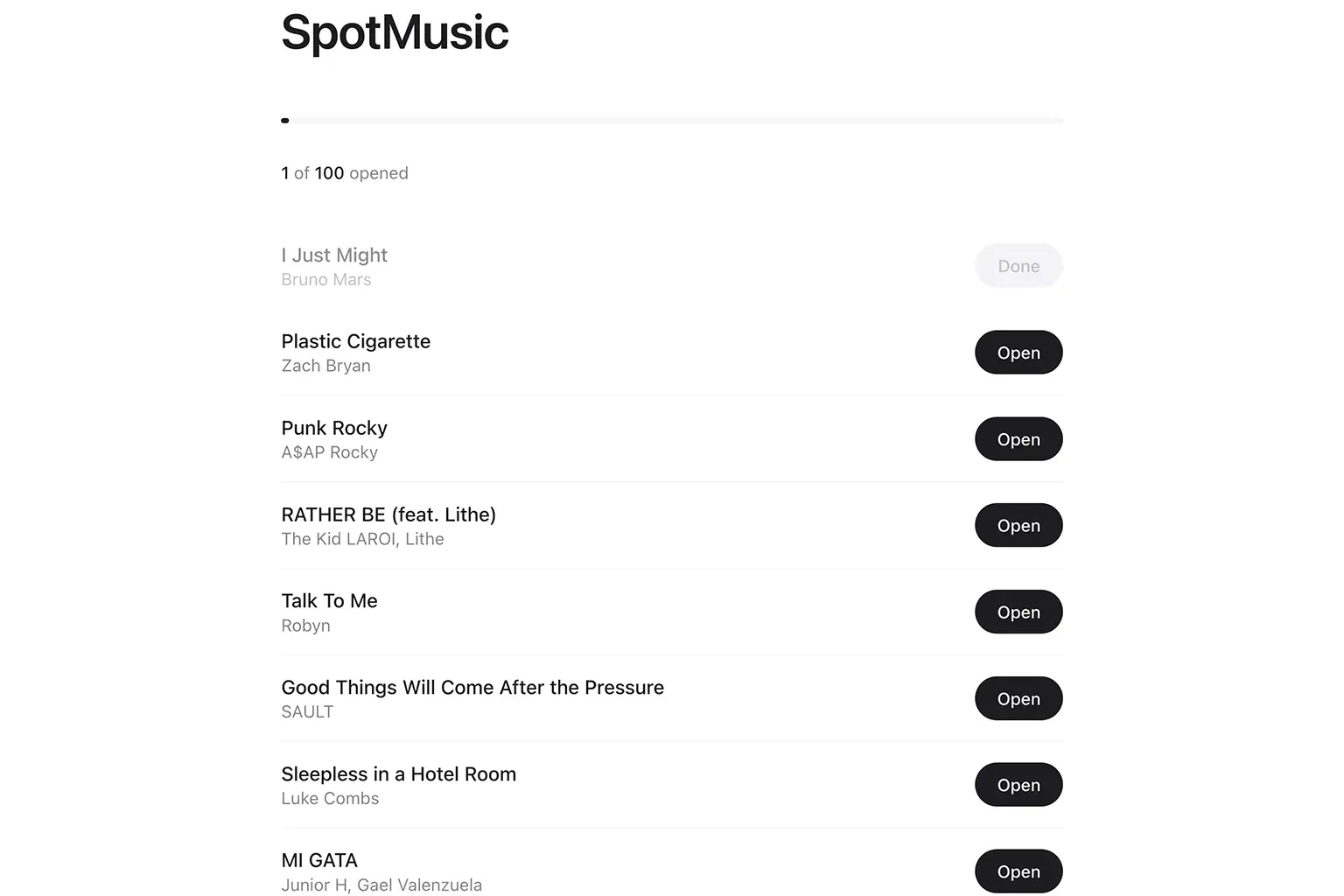
- Turn results into a simple html that opens each song in Apple Music search to add song to playlist.
In total it takes a few minutes to use the bridge. Easy.
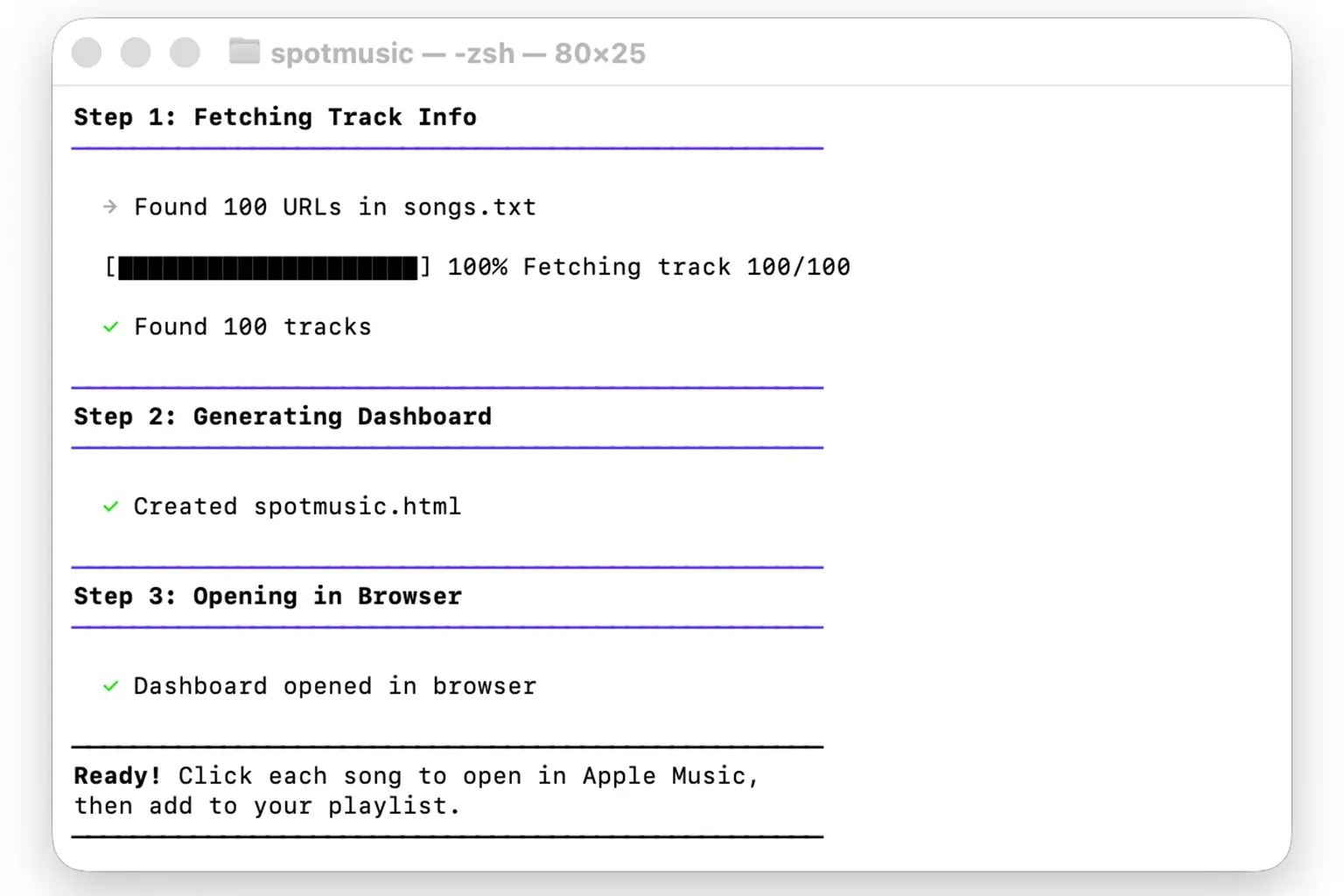
Technicals
Stack: UV running Python 3.11+, httpx, BeautifulSoup4, vanilla HTML/CSS/JS
songs.txt (Spotify URLs) → Fetch Metadata (httpx + BS4) → Generate HTML (Embedded JS dashboard) → Open Browser
- Metadata extraction (spotmusic.py:99-145)
- Primary: OpenGraph og:title and og:description meta tags
- Fallback 1: Parse ‘title’ tag (“Song - song and lyrics by Artist”)
- Fallback 2: Spotify oEmbed API (/oembed?url=…)
- Rate limiting (spotmusic.py:170-172)
- time.sleep(random.uniform(1.0, 2.5)) between requests
- User-Agent spoofing to look like a real browser
- Apple Music links (spotmusic.py:387-389)
search_term = f"{primary_artist} {raw_title}"
encoded_term = urllib.parse.quote(search_term)
music_url = f"music://music.apple.com/us/search?term={encoded_term}"- Client-side progress tracking (embedded JS in generated HTML)
- Pure JS, no backend - just toggles CSS classes and updates counters
SpotMusic
Try It Yourself
- SpotMusic - Github